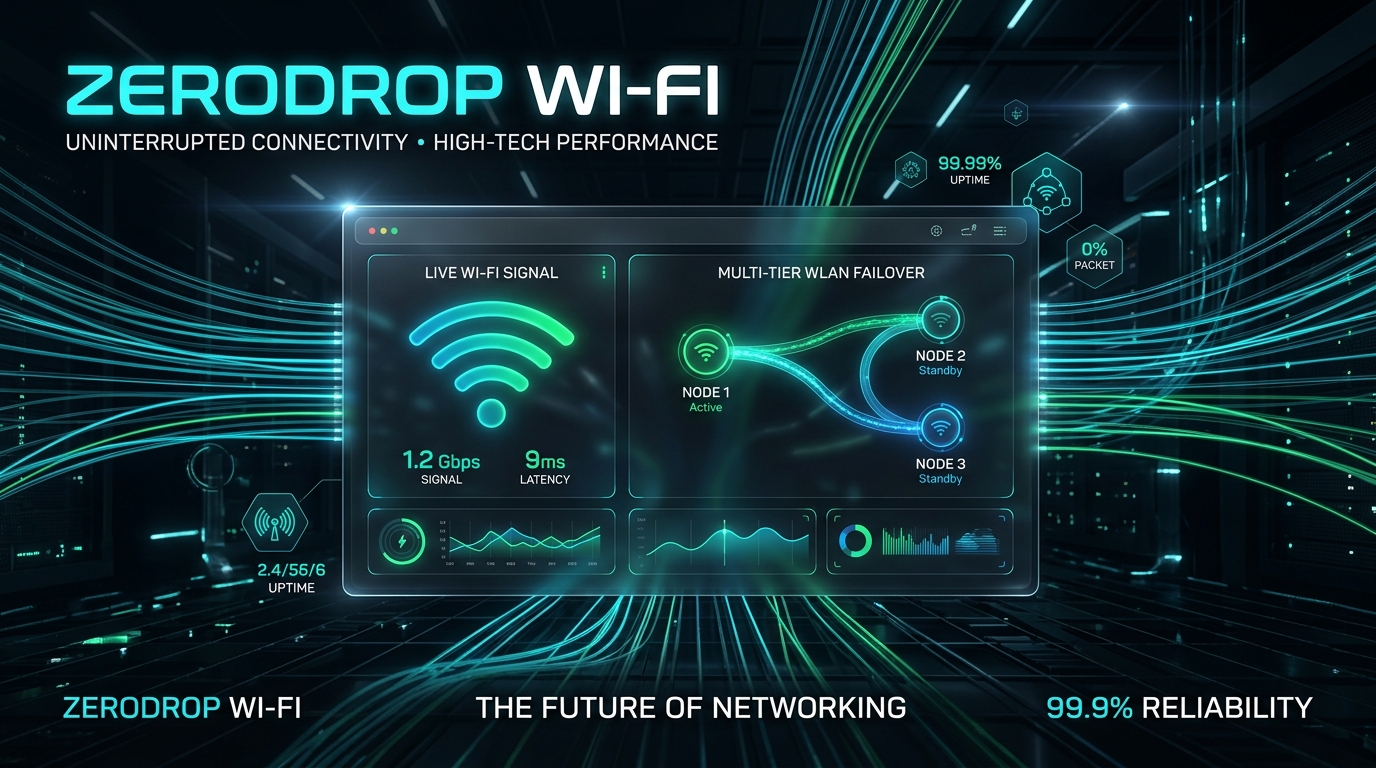
Autonomous multi-WLAN failover, live beacon scoring, and V2 frozen Wi-Fi self-healing for macOS, Linux, and Windows.
Test the 4-state engine right in your browser. Experience what happens when your fiber router goes down.
Why native operating system Wi-Fi switchers fail when you need them most.
| Feature | Standard OS (macOS / Win / Linux) | ZeroDrop Wi-Fi |
|---|---|---|
| Dead Gateway Detection | ❌ Only detects RF radio disconnects | ✓ Detects dead gateway, DNS drop, & WAN failure |
| Frozen Wi-Fi Self-Healing | ❌ Requires manual Wi-Fi toggle in menu bar | ✓ Autonomously power-cycles adapter hardware |
| Multi-WLAN Failover Hysteresis | ❌ Bounces rapidly between networks (flapping) | ✓ 60-second anti-loop cooldown protection |
| Automatic Primary Revert | ⚠️ Stays stuck on weak backup indefinitely | ✓ Passive beacon scan & 3-check verified auto-revert |
| Privacy & Telemetry | ⚠️ Sends telemetry to OS vendor | ✓ 100% Local, zero cloud, MIT open source |
Built for engineers hosting local web servers, competitive gamers, and remote workers who can't afford a dropped call.
Multi-point diagnostic probing checks Default Gateway ping, multi-server DNS resolution, and HTTP captive portal reachability before making switching decisions.
When Wi-Fi hardware deadlocks or driver stacks freeze on macOS, Linux, or Windows, ZeroDrop power-cycles the adapter autonomously before attempting network fallback.
Enforces a 60-second anti-flap cooldown. Once the primary router boots back up and is verified over 3 healthy cycles, ZeroDrop automatically switches back to your primary fiber connection.
Scans nearby 2.4 GHz and 5 GHz Wi-Fi beacon frames passively in the background without disconnecting your active web sessions or dropping ongoing video streams.
Native Swift Menu Bar App for macOS, lightweight AppIndicator3/GTK tray for Linux, and clean background PowerShell service for Windows.
Zero external telemetry. Zero plaintext passwords stored. Runs purely on your machine using your OS's native Keychain and credential stores.
Everything you need to know about ZeroDrop Wi-Fi architecture and usage.
Even when your Wi-Fi interface is actively passing traffic on your backup network, it can passively listen to 2.4 GHz and 5 GHz beacon frames. When your primary router powers on and broadcasts its SSID, ZeroDrop detects the signal, waits for a 60s cooldown to expire, verifies 3 consecutive healthy cycles, and reverts smoothly.
No root password is required for normal operation. On macOS, it runs as a LaunchAgent user service using native CoreWLAN and networksetup. On Linux, it runs as a systemd user service. On Windows, it runs as a standard user scheduled task.
Local loopback traffic (localhost, 127.0.0.1, internal sockets) is never interrupted by Wi-Fi switches. ZeroDrop safeguards active WAN connections by failing over in milliseconds when your primary ISP cuts out.
ZeroDrop runs as a lightweight background daemon with optional desktop GUI & tray integration.
Supports macOS Monterey, Ventura, Sonoma, and Sequoia (Apple Silicon & Intel).
xattr -cr /Applications/"BotDigit WiFi Switcher.app"
Supports Ubuntu, Debian, Fedora, Arch, and any systemd / NetworkManager setup.
Supports Windows 10 and 11 via native netsh & PowerShell NetAdapter.